EntertainmentgamingGame Releases
How to Get Games on Your Retro Gaming Handheld
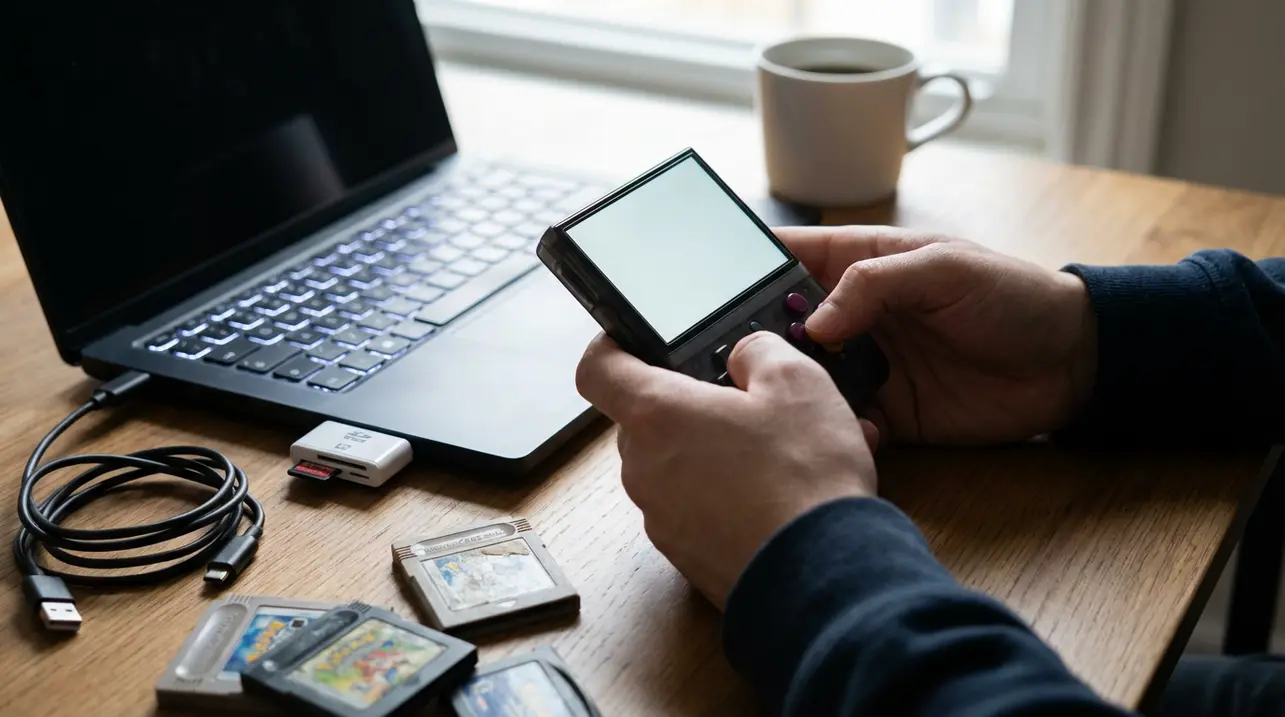
Alright, let's talk about the real first step after you unbox that shiny new Anbernic, Retroid, or AYN Odin—you know, the moment the hype of the hardware fades and you're left staring at an empty home screen. Getting games onto your Linux or Android-based handheld isn't just a technical step; it's the entire point of the pilgrimage.It's the difference between owning a sleek paperweight and unlocking a portable time machine. First, you gotta understand your device's ecosystem.Is it running a custom Linux distro like JelOS or ArkOS, or is it pure Android? This isn't just nerdy trivia; it's the playbook. For Android devices, it's often as straightforward as sideloading APK files from trusted sources like the open-source repository F-Droid or specific emulator apps from the Google Play Store.You'll want to grab a frontend like Daijishō or LaunchBox to make your library look less like a file manager nightmare and more like a console dashboard. For Linux handhelds, the process feels more old-school, more hands-on—you're often dropping ROM files into clearly labeled folders on the SD card via a card reader, a ritual that takes me back to modding PSPs in the early 2000s.But here's where the real game begins: sourcing those ROMs. We're wading into the murky, legally grey waters of game preservation.The rule of thumb, the ethical line many in the community draw, is that you should only play games you physically own, creating personal backups of your cartridges and discs. Sites like archive.org host massive, legally complex libraries of historical software, acting as digital museums for titles that corporations have long abandoned. Once your files are on the device, organization is key.A messy library kills the vibe faster than a dead battery. Take an afternoon to scrape box art using tools built into your frontend; seeing that grid of classic Sega Genesis or PlayStation covers is half the magic.Then, dive into the emulator settings. This isn't just tweaking; it's fine-tuning history.Want to add scanlines to your SNES games for that CRT authenticity? Crank up the resolution scaling for your Dreamcast titles? It's all there. The beauty of these devices is that they're not just playing games; they're curating an entire experience, a personal museum of gaming's greatest hits.And don't forget about ports—thanks to the open-source community, you can often natively run classic PC games like *Doom*, *Quake*, or *Diablo* on these little powerhouses, no emulation required. The process, from sourcing to setup, is a hobby in itself, a satisfying puzzle that ends with the entire history of gaming in your jacket pocket. It’s a testament to the DIY spirit that keeps retro gaming alive, far beyond the walled gardens of official digital stores.
#retro gaming
#handheld consoles
#Linux
#Android
#game installation
#emulation
#tutorials
#featured