Otherauto & mobilityElectric Vehicles
How to pair AirPods with any device
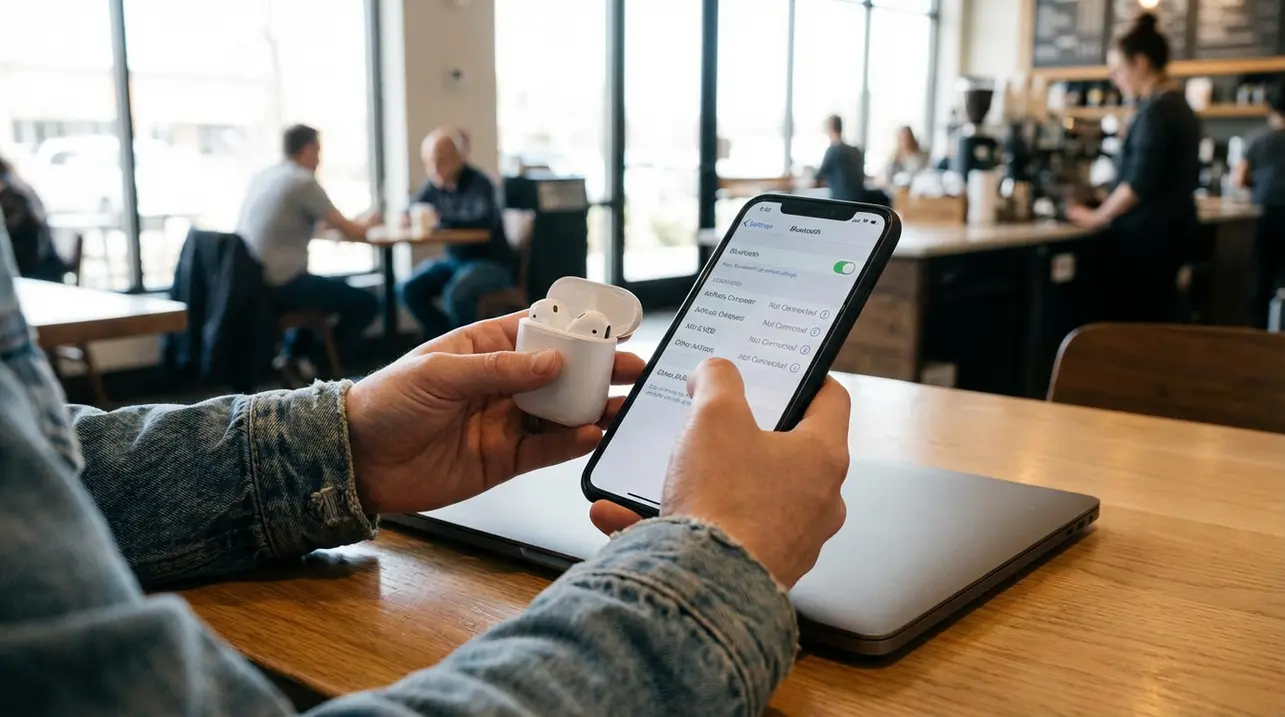
AirPods, Apple's ubiquitous wireless earbuds, have become a cultural fixture, but their magic isn't locked solely within the walled garden of Cupertino. While they perform their most seamless choreography with iPhones and Macs—opening the case near an unlocked Apple device triggers a near-instantaneous pairing ballet that syncs across your entire iCloud universe—their underlying Bluetooth DNA means they’re surprisingly versatile travelers.This guide isn't just about pressing a button; it's a map for navigating the sometimes-frustrating, often-rewarding terrain of cross-platform connectivity. For Apple users, the process is famously frictionless, a testament to the company's ecosystem engineering.Newer iPhones equipped with the H2 chip, like the iPhone 15 Pro or iPhone 16 models, elevate this further, offering a setup experience so swift it feels like the device reads your intention. Yet, the real test comes outside that ecosystem.On an Android phone, the AirPods shed their Apple-specific aura and function as capable, if slightly neutered, Bluetooth headphones. You’ll find them in your phone's Bluetooth menu, pair with a tap, and enjoy solid audio for calls and music, though you’ll miss system-level integrations like precise battery meters or automatic ear detection without third-party apps.The process on a Windows 11 laptop is similarly straightforward, treated as just another audio peripheral in the System Settings, though it can occasionally balk if the AirPods are still holding onto a connection with your nearby iPhone. The universal key to all this is mastering pairing mode: for older models, it’s that small, recessed button on the case back, held until the LED flashes white; for the latest AirPods 4 and AirPods Pro 3, it’s a simple tap on the case's front.This manual override is your passport, essential when the automatic prompts fail or when venturing into non-Apple territory. Troubleshooting often circles back to basics: ensuring the earbuds are genuinely in discoverable mode (that white light should be blinking), checking for interference from other wireless devices, or performing a full reset—which, depending on your model, involves either holding a button until the light cycles from amber to white or a peculiar ritual of closing the case, waiting, and tapping it three times.What’s fascinating here is the broader narrative of tech interoperability. In an era where we own a mosaic of devices from different manufacturers, the AirPods’ dual identity—as both a premium ecosystem player and a competent cross-platform citizen—reflects a pragmatic, if reluctant, acknowledgment of our multi-vendor realities.They may not offer spatial audio or effortless device switching on your Android tablet, but they deliver reliable, high-quality sound, which, for many, is the core utility. So, whether you’re deeply embedded in Apple’s world or dancing across operating systems, the humble AirPod proves that with a little know-how, even the most branded hardware can learn to play nice with others.
#AirPods
#pairing guide
#Bluetooth
#Apple devices
#Android
#Windows
#troubleshooting
#featured